Large Kuwaiti IT systems integrator · Digital platforms
Every employee gets a digital business card, kept in sync with the company directory.

- 4ways to save a card: vCard, Apple Wallet, Google Wallet, printed ID
- 2languages side by side in every newsletter
- 2separate Microsoft app registrations: read the directory, write to SharePoint
- 147commits
What we built
- A public card for every employee
- A card page at an unguessable link, with photo, tap-to-call, email and map, and a QR code.
- Save it anywhere
- A vCard, Apple Wallet and Google Wallet passes, and a printable ID card.
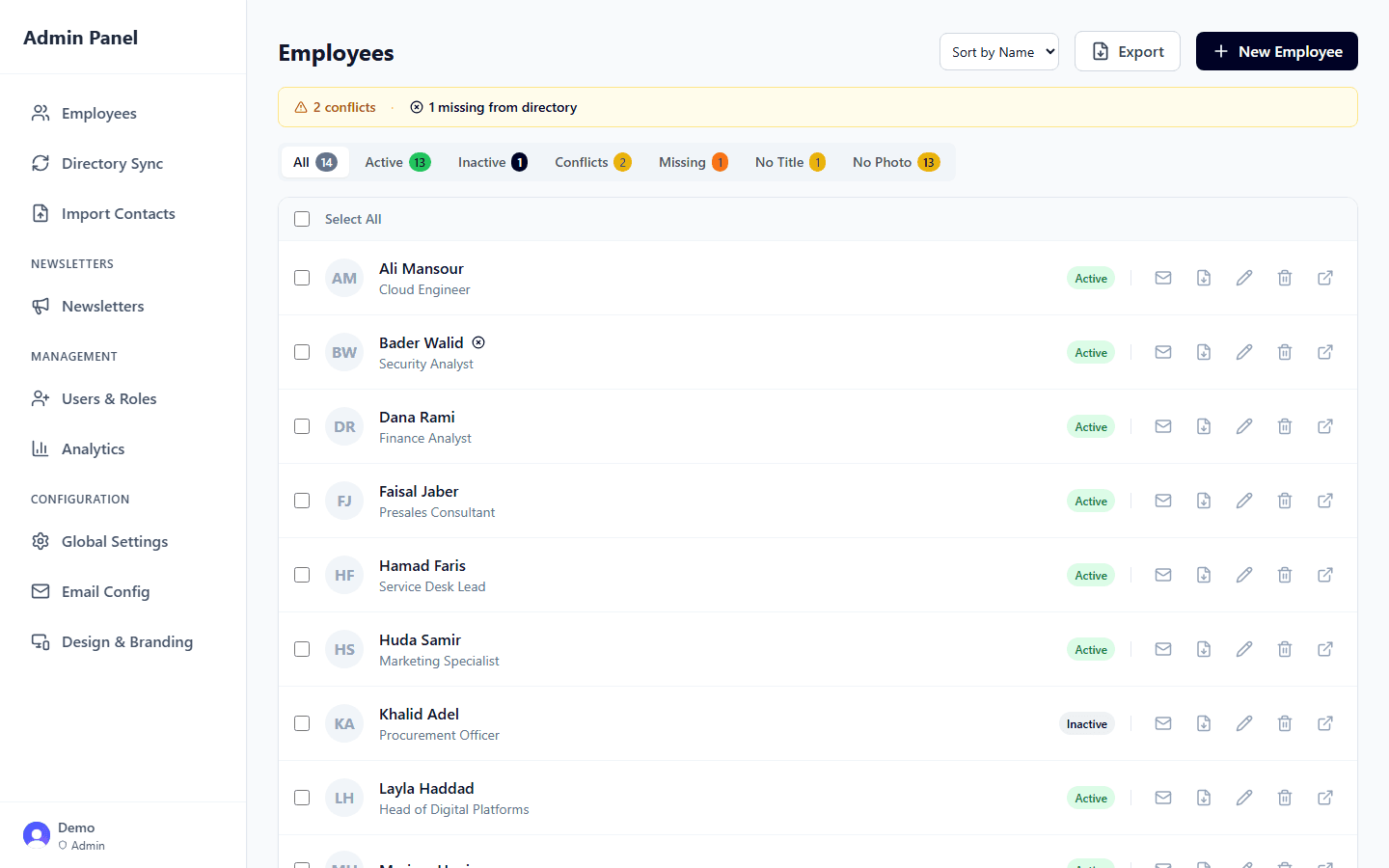
- Directory sync
- Profiles, photos and licences come from Microsoft Entra ID. A card switches off automatically when its account or licence goes.
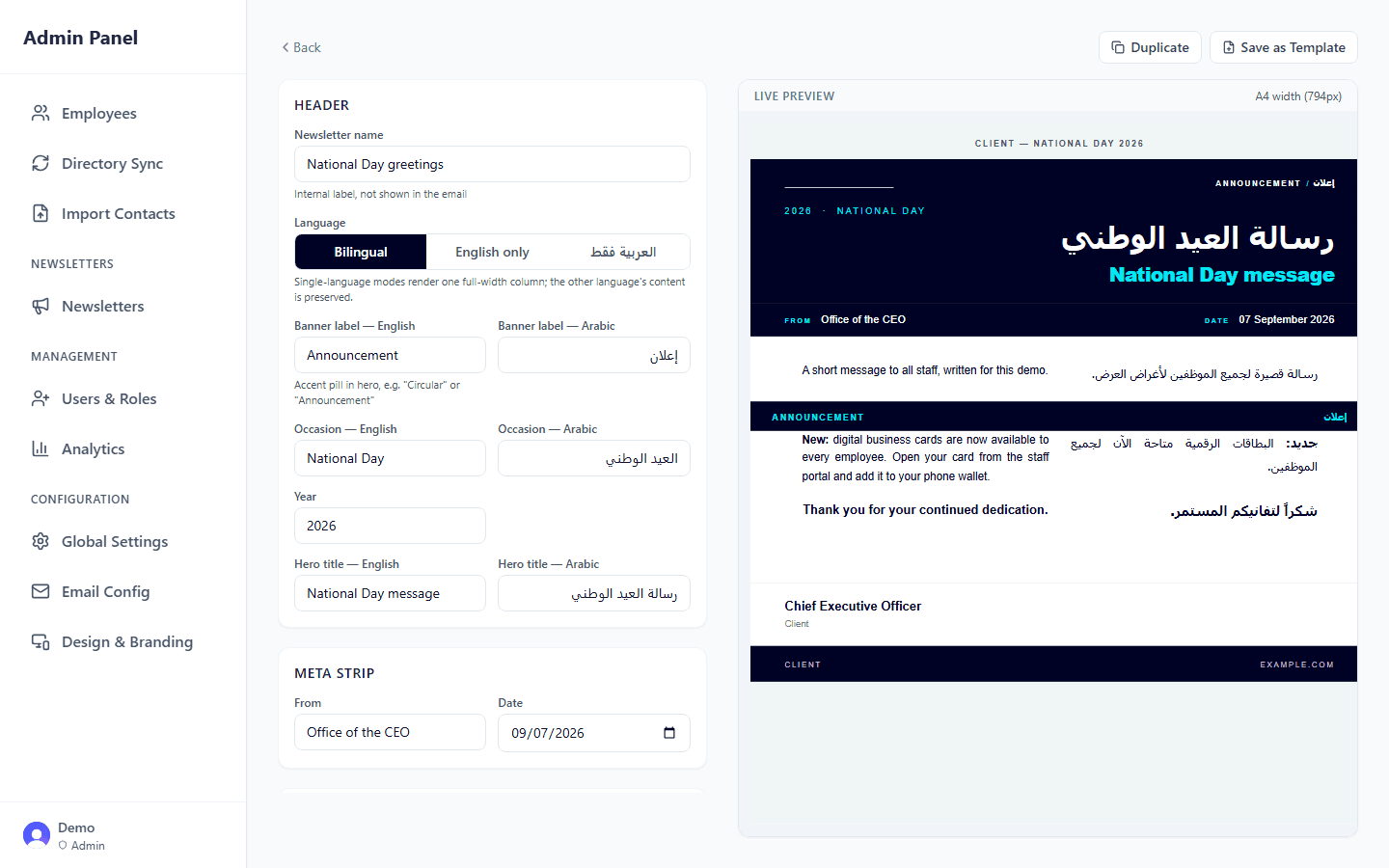
- Bilingual newsletters
- A section editor with live preview and a layout that holds up in Outlook, with English and Arabic side by side.
- SharePoint publishing
- Newsletters go out by email and are published as SharePoint news posts through a separate, least-privilege connection.
Integration
The directory is the source of truth
- existing systemMicrosoft Entra IDprofiles, licences, photos
- we builtCard and newsletter platformcards, passes, newsletters, admin
- existing systemSharePoint Onlinenewsletter news posts
| System | Direction | Method | What flows |
|---|---|---|---|
| Microsoft Entra ID | in | Microsoft Graph · delta sync | Employee profiles, licences, account status and photos |
| SharePoint Online | out | Microsoft Graph · separate app registration | Newsletter news posts and their images |
| out | SMTP | Card emails and newsletters | |
| Apple Wallet | out | Signed pass file | Employee contact pass |
| Google Wallet | out | Signed save link | Employee contact pass |
| Identity | both | SDK · Microsoft sign-in | Admin and member sign-in, roles |
next case studyCorporate mobile-line cost control
Read it →